01
Step 1
Determine which product you need
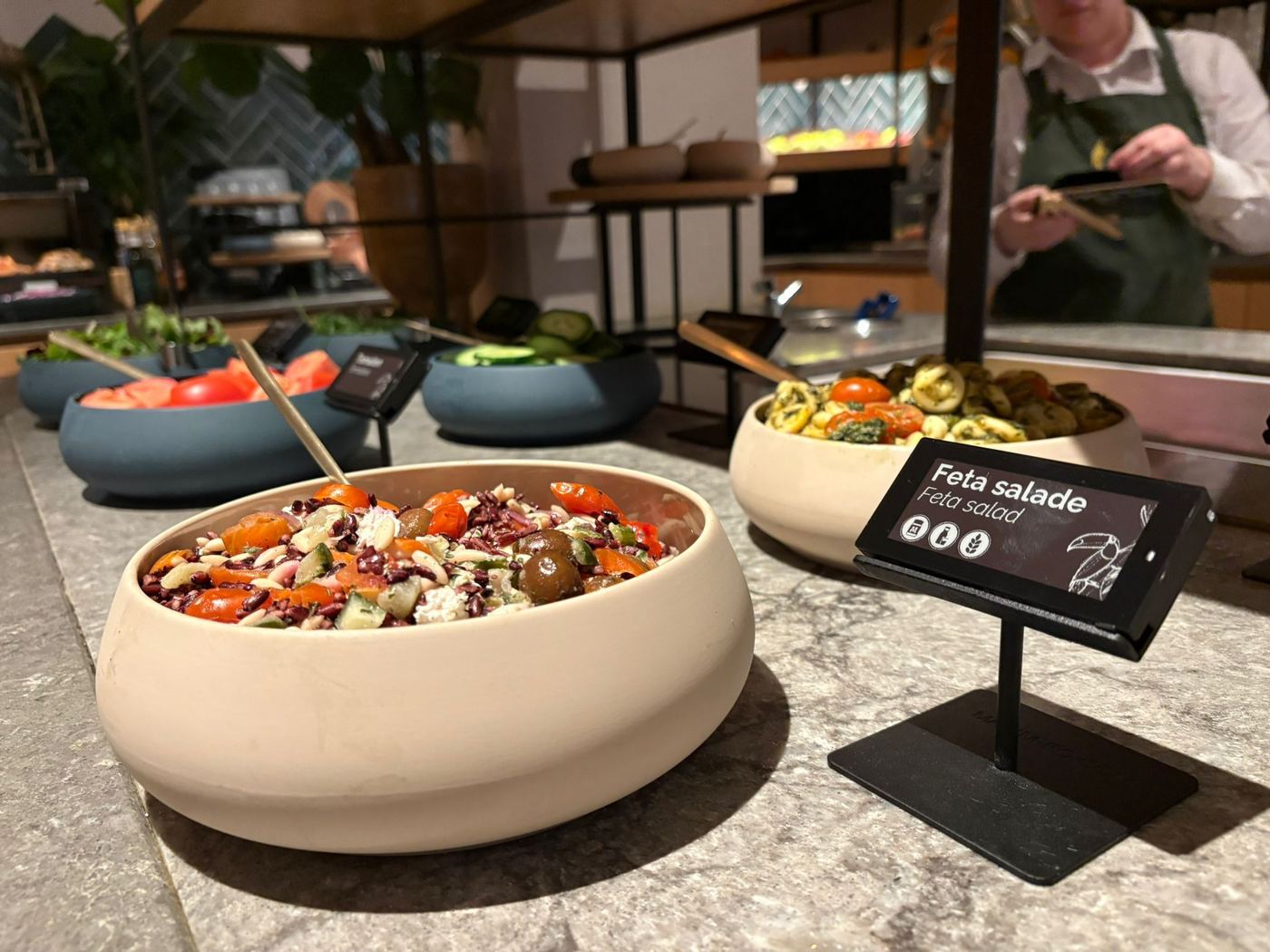
Do you need e-labels for your buffets, lobby shop, or both? We help you choose the right solution that fits your hotel.
How it works
A clear and structured process from start to finish.
Step 1
Do you need e-labels for your buffets, lobby shop, or both? We help you choose the right solution that fits your hotel.
Step 2
Select the right size: 2.9", 4.2" or 6" labels. Determine quantities per location. Each room requires 1 gateway for communication with the labels.
Step 3
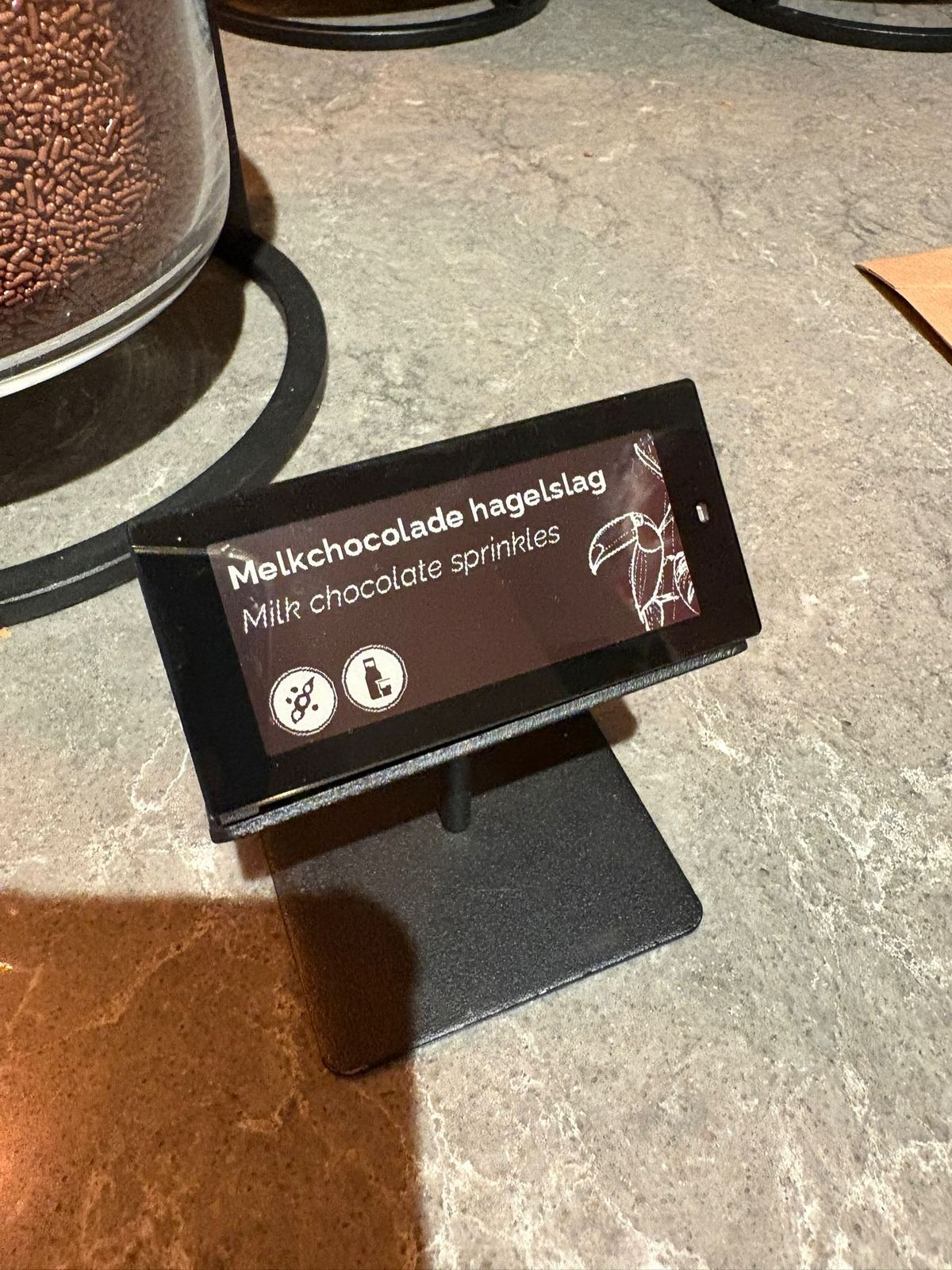
Through our onboarding tool you easily provide all your data: your location and buffet details, dishes and products, allergens, prices, menu layouts and the schedule. This forms the basis for your dashboard.
Step 4
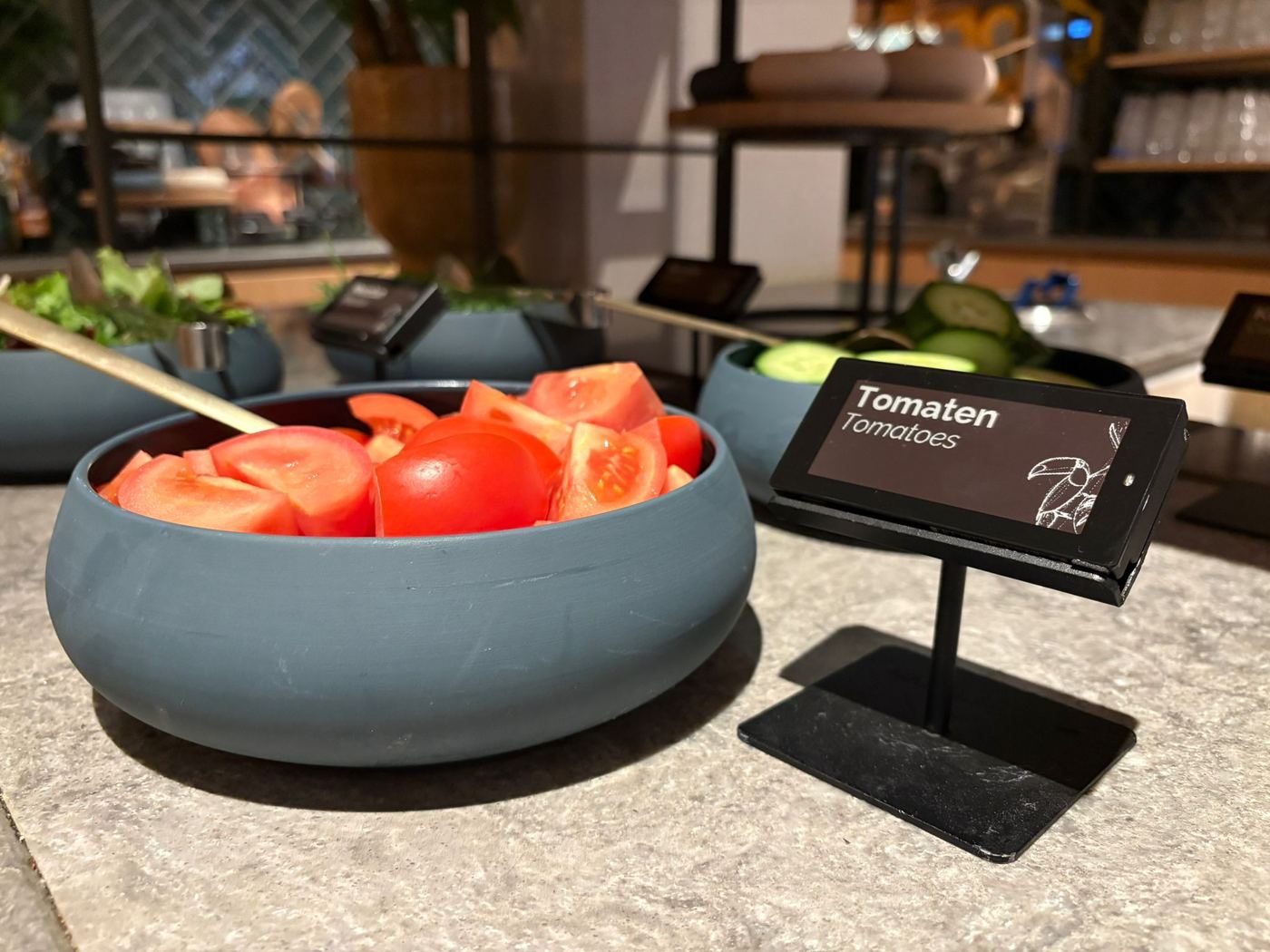
We remotely set up everything in the dashboard: your products, menus, and schedules. We also create accounts for different staff members.

Step 5
We schedule a call with your staff where we walk through all features together and explain how to use the dashboard and labels.
Step 6
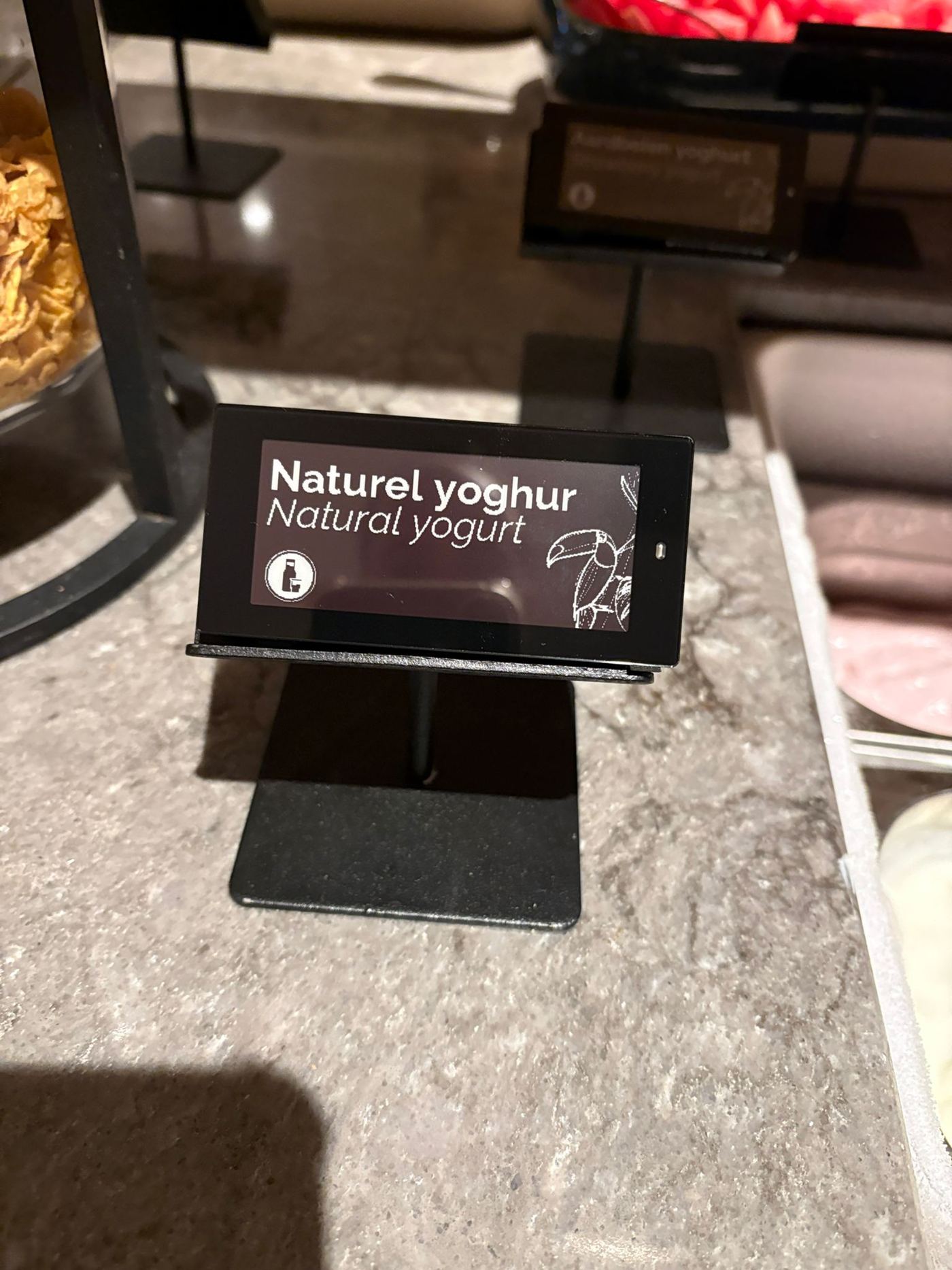
You receive all hardware that can be installed plug & play by your staff on location. Simply place the labels where needed and connect the gateway to an internet cable, and you're ready to go.
Step 7
After installation, we provide ongoing full service support. From technical questions to template adjustments, we're always here for you.